
How to use addon ?
Jul 28, 2026
How to add signature in Google Forms?
What Makes a Signature Legally Binding?Before we look at how to use these options with Google Forms, let’s quickly review the basic requirements for legal validity and enforceability of an agreement. There are four key requirements.Clear notice for informed consentYou must include a clear notice that details the nature, scope and purpose of the agreement. You can add these terms and conditions directly in your google form or add a hyperlink to the webpage with the details. Simply put, make it easier for the form respondents to review and understand the terms before they provide consent.Affirma
Jul 28, 2026
How to sync signature and signed document to google drive?
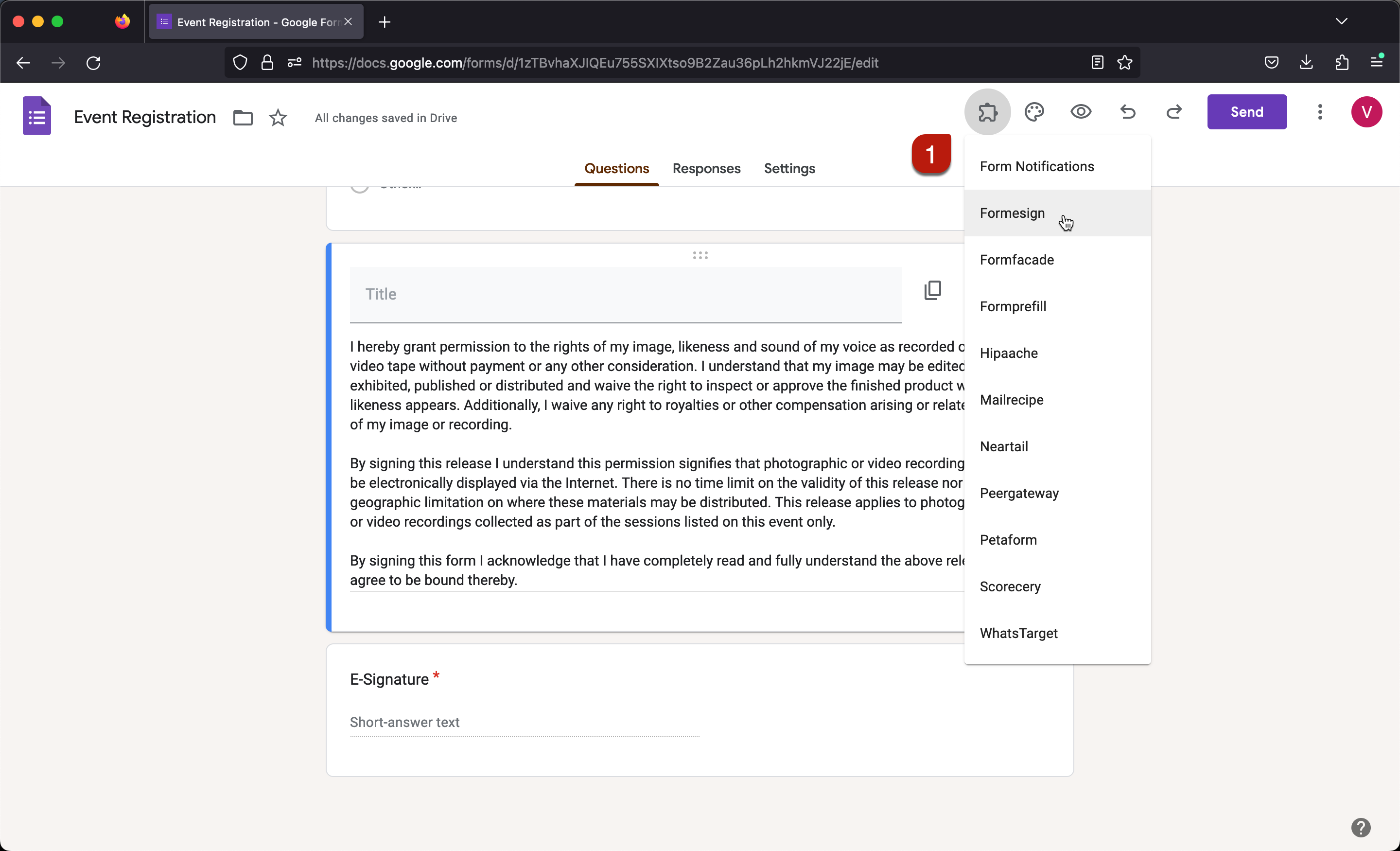
Sync to driveOpen your form in Google FormsClick on the addon iconClick FormesignClick Sync to driveSelect the preferred folder and click SelectClick Preview to test the formFor detailed instructions, refer to the screenshots below.The default file name includes the unique id generated for each response. You can customize your form to include the name or email in the file name.